Installing the MEDIAL Activity
Esquema per setmanes
-
-
- Go to the MEDIAL Plugin set page on the Moodle Plugins site - click here
- Select your current Moodle version and then log in using your Moodle Plugins site username and password
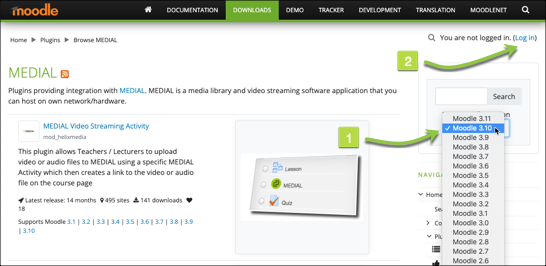
- Once logged in, first Click on the MEDIAL Video Streaming Activity Plugin
- Click on Install Now
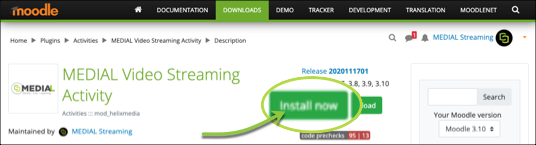
- Follow the on Screen prompts to complete Installation of this Plugin
-
-
-
- Log into Moodle as the Administrator (if you are not logged in already)
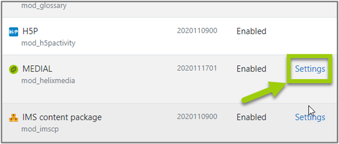
- Navigate to Site Administration > Plugins > Plugins Overview
- Click on Settings where you see the MEDIAL "mod_helixmedia" plugin
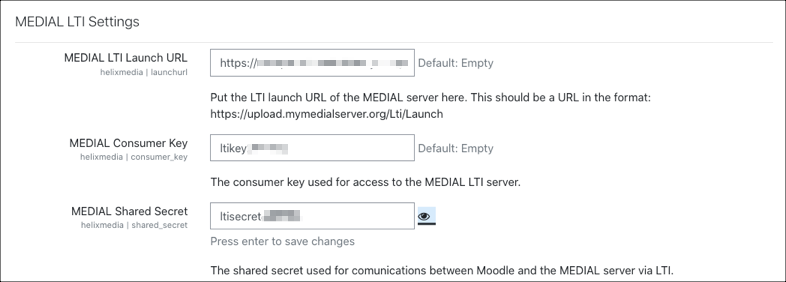
- Type in the
MEDIAL LTI Launch URL
,
Consumer Key
and
Shared Secret
into the settings page.
- Remember to Click Save at the base of the Settings page
IMPORTANT: If you do not have a MEDIAL LTI Launch URL, Consumer Key and Shared Secret please request them using the form below, a valid e-mail address is required - please check your junk if you do not receive the e-mail.
If you do not receive these details by e-mail, or you are an existing MEDIAL customer and require details for your own installation e-mail support@medial.com
MEDIAL Plugin LTI Credentials Request
(VALID E-MAIL ADDRESS REQUIRED TO RECEIVE CREDENTIALS) - Log into Moodle as the Administrator (if you are not logged in already)
-
-
-
You can now access the MEDIAL Activity in your Moodle
- Log in as a Teacher or Admin and Navigate to a Course Page
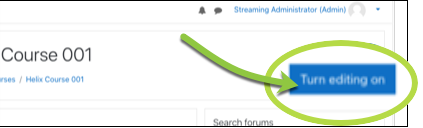
- Click Turn editing on
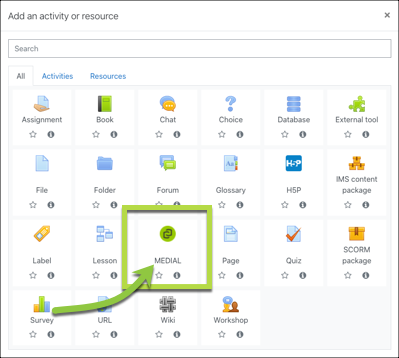
- Click Add an activity or resource

- Select the MEDIAL Activity
- Click the Add Media button to access MEDIAL’s functions
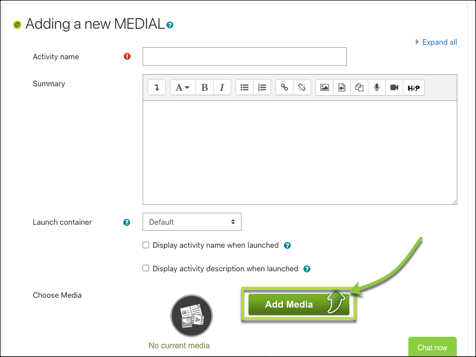
- Choose the Option you wish to follow and add a media item to your Activity
Congratulations!
You can now use MEDIAL as an Activity within Moodle
Want to do even more with MEDIAL?
If you want to use MEDIAL in the Atto Editor or for Student Assignment Submissions click HERE - Log in as a Teacher or Admin and Navigate to a Course Page
-
-
-
- Go to the MEDIAL Video Streaming Assignment Activity plugin on the Moodle Plugins site - click here
- Click Install now
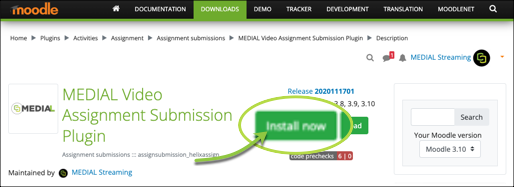
- Choose your Moodle Site & Click on Install Now
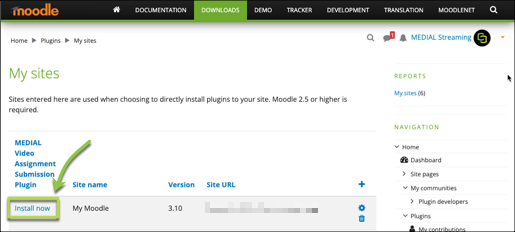
- Follow on Screen prompts to complete Installation of this Plugin
- Go to the MEDIAL Video Streaming Assignment Activity plugin on the Moodle Plugins site - click here
-
-
-
- Go to the MEDIAL TinyMCE plugin on Moodle Plugins - click here
- Click Install now
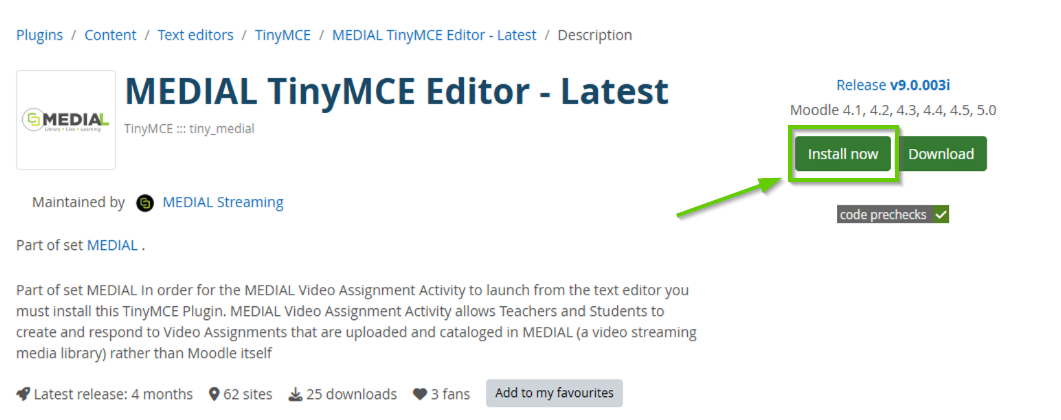
- Choose your Moodle Site & Click on
Install Now
- Follow on Screen prompts to complete Installation of this Plugin
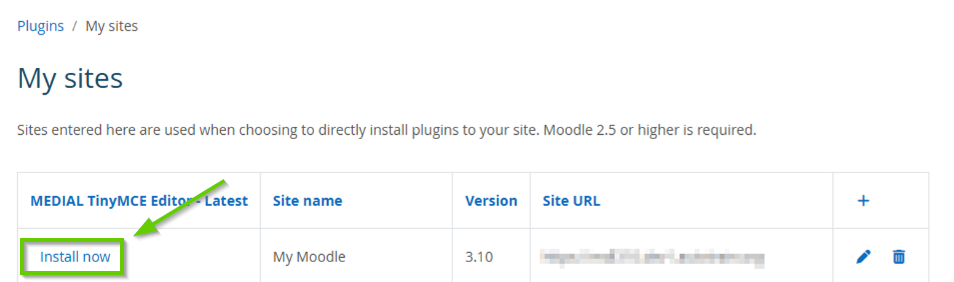
- Go to the MEDIAL TinyMCE plugin on Moodle Plugins - click here
-
-
-
- Go to the MEDIAL Video Feedback Plugin page on Moodle Plugins click here
- Click Install now
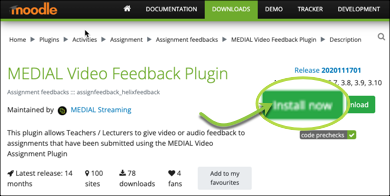
- Choose your Moodle Site and Click on Install now
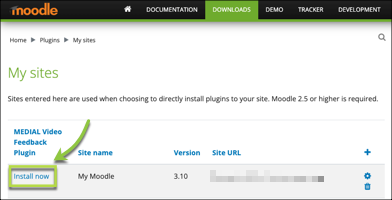
- Follow on Screen prompts to complete Installation of this Plugin
- Go to the MEDIAL Video Feedback Plugin page on Moodle Plugins click here
-
-
-
- Log in as a Teacher and Navigate to your chosen Course Page
- Click Turn Editing On
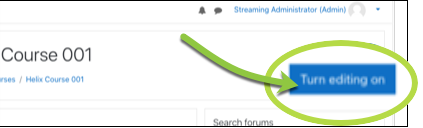
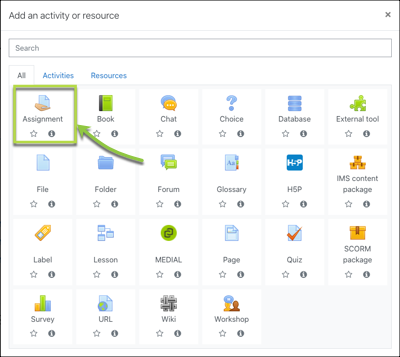
- Click Add and Activity or Resource

- Select Assignment from the Activity List
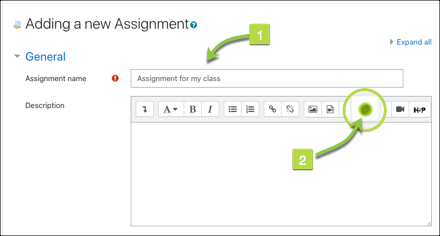
- Type in Name of Assignment and the click on MEDIAL button on the Text Editor
- A new window will launch that will allow you to upload a new video item

- Complete Upload process
- Your new Media item will appear in the Text Editor area
- Select Video Assignment as a Submission type
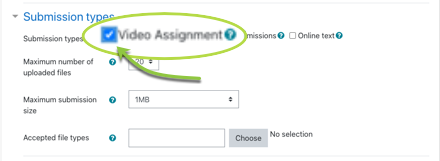
- Click Save and Return to Course at base of page
- Log in as a Teacher and Navigate to your chosen Course Page
-
-
-
- Once the database has been upgraded, click on Site Administration and then Plugins. Locate Filters and then click on Manage filters
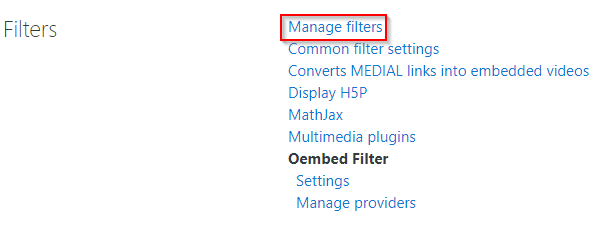
- The filter is called 'Converts MEDIAL links into embedded videos'. Ensure it is set to 'On' and applies to 'Content':

- In order to allow students to use the MEDIAL plugin in forums, navigate to the following location: Site administration > Plugins > Text editors > ATTO HTML editor > MEDIAL
Enter the word 'forum' into the text box at the top called 'Modules that use the alternate permission' and click Save changes at the bottom of the page: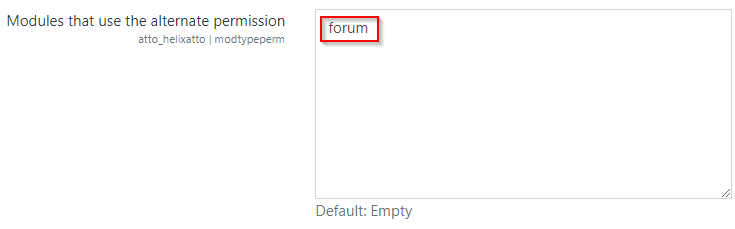
- NOTE: If there is a problem with another plugin not functioning correctly after installing the MEDIAL filter plugin, the name of the plugin can be entered into the other box below called 'Use a link to the MEDIAL resource'. Click Save changes, and this should fix the problem with the other plugin:
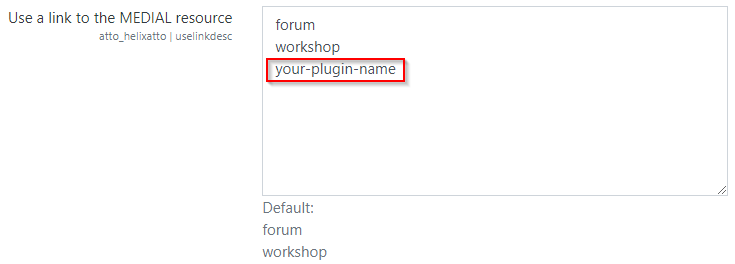
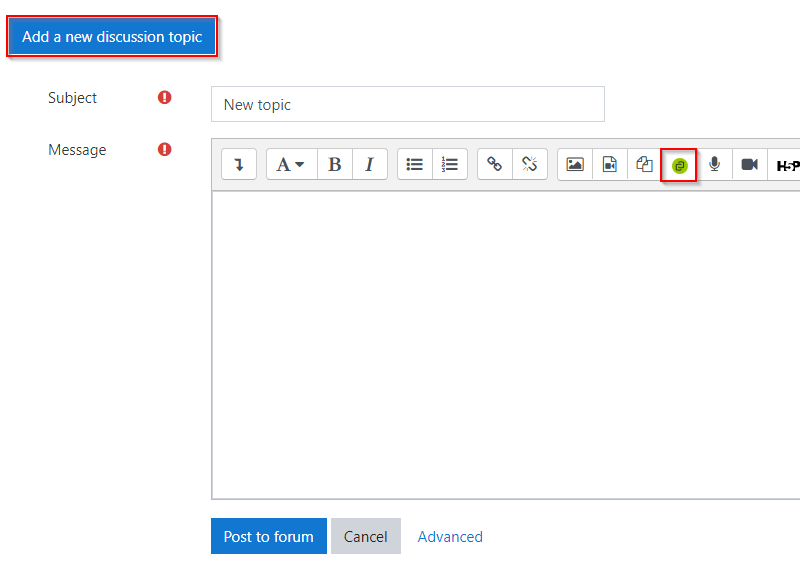
- Now when in a forum which is inside a course in Moodle, clicking on 'Add a new discussion topic' will present the ATTO text editor with the MEDIAL plugin button in:
-